

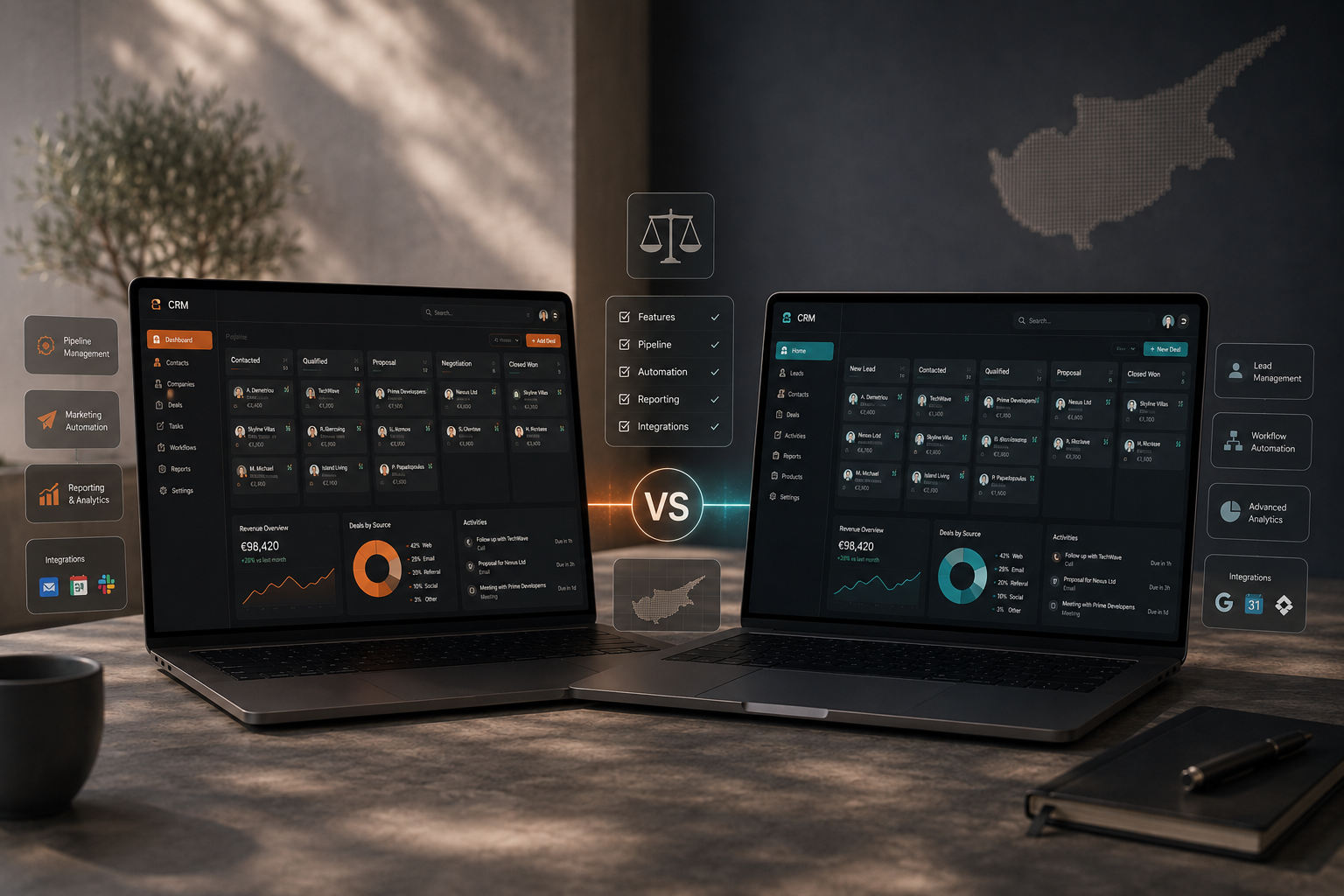
Quick answer: HubSpot and Zoho CRM can both support lead management, sales pipelines, automation, integrations and reporting. HubSpot generally emphasises a unified customer platform and straightforward adoption, while Zoho CRM offers extensive process configuration and sits inside a broad business-software ecosystem. The better choice depends on how your business sells, what needs to be automated and how much complexity your team can realistically manage.
Choosing a CRM should not start with brand preference. It should start with the sales process.
For a Cyprus business, the important questions are usually practical: Where do leads come from? Who follows them up? What stages do opportunities move through? Which tasks should be automated? Which systems need to connect? What information does management need to see?
Once those questions are clear, comparing HubSpot and Zoho becomes much more useful.
HubSpot vs Zoho CRM at a glance
| Area | HubSpot | Zoho CRM |
|---|---|---|
| Core CRM | Contacts, companies, deals, tasks, pipelines and reporting | Leads, contacts, accounts, deals, activities, pipelines and reporting |
| Automation | Workflow and automation capability across its platform, depending on plan | Workflow rules, cadences, Blueprint and broader process tools, depending on edition |
| Integrations | Large app marketplace and data-sync ecosystem | Strong integrations plus a broad native Zoho application ecosystem |
| Best fit | Teams prioritising usability and an integrated marketing, sales and service environment | Teams prioritising configuration, process control and alignment with other Zoho tools |
Features, limits and packaging change over time, so businesses should verify the current vendor plans before making a final purchase decision.
What HubSpot CRM does well
HubSpot CRM brings contact management, deals, tasks, pipeline management, reporting and integrations into a single environment. Its wider platform connects CRM data with marketing, sales, service, content and data-management tools.
Clear user experience
HubSpot is often attractive to teams that want a polished interface and a relatively straightforward starting point. Adoption matters: even a powerful CRM creates little value if the sales team avoids using it.
Strong connection between marketing and sales
For businesses where website forms, marketing campaigns and sales follow-up need to sit close together, HubSpot’s unified platform can be useful. Contact records can carry marketing and sales context through the customer journey.
Large integration ecosystem
HubSpot provides a broad marketplace and data-sync options, which can simplify integration with common business tools.
Reporting and pipeline visibility
Deals, activities and reporting dashboards make it easier to create a shared view of sales activity and pipeline progression.
Where HubSpot needs careful planning
The main issue is not whether HubSpot can do enough. It is whether the business chooses the right level of platform and configures it around a clear process.
Advanced automation, reporting and additional hub functionality can sit in different product tiers. As requirements grow, businesses should review the current packaging and total operating cost rather than assuming the initial setup will remain unchanged indefinitely.
What Zoho CRM does well
Zoho CRM provides lead, contact and deal management together with workflow automation, analytics and process-management tools. It is also part of the wider Zoho ecosystem, which can be relevant for businesses using multiple Zoho applications.
Process configuration
Zoho offers a strong set of tools for businesses that want to shape the CRM around a defined sales process. Depending on edition, this can include workflows, cadences and Blueprint-style process control.
Broad business-software ecosystem
Businesses that already use or plan to use other Zoho products may benefit from keeping more of the operating stack within the same vendor ecosystem.
Customisation
Zoho can work well where the business needs more tailored fields, modules, workflows or internal process logic.
Sales automation and AI capability
Zoho continues to develop automation and AI features around lead handling, follow-up and sales operations. The practical value still depends on how clearly the business defines the underlying workflow.
Where Zoho needs careful planning
Flexibility can create complexity. A highly configurable CRM needs governance: clear stages, sensible fields, defined ownership and limits on unnecessary customisation.
A system can become harder to use if every possible option is enabled without a commercial reason. Implementation discipline matters.
Which is easier for a small business to adopt?
For many smaller teams, HubSpot can feel easier to understand initially because the interface and common sales objects are presented clearly. Zoho can also work well for smaller businesses, particularly where more configuration is required or the company is already invested in the Zoho ecosystem.
The more important factor is the team’s willingness to use the system consistently.
Which is better for automation?
Both platforms support automation, but the right answer depends on the workflow.
Before comparing features, define what you actually want automated:
- website lead capture;
- salesperson assignment;
- acknowledgement emails;
- follow-up task creation;
- lead nurturing;
- pipeline updates;
- internal notifications;
- reporting and data synchronisation.
If those requirements are simple, both platforms may be more than capable. If they are complex, the implementation design becomes as important as the platform itself.
Which is better for a Cyprus business running digital marketing?
A business generating enquiries through its website, Google or Meta advertising and organic search needs a CRM that can preserve source information and give sales teams a reliable follow-up process.
Both HubSpot and Zoho can form part of that architecture. The decision should account for:
- form and website integration;
- advertising lead import or synchronisation;
- sales pipeline requirements;
- team permissions;
- automation complexity;
- reporting needs;
- software budget over time.
If your business has already selected Zoho and needs to connect its website enquiries, see our WordPress to Zoho CRM integration checklist, covering field mapping, duplicate handling, ownership and lead attribution.
Implementation matters more than the logo
A badly configured premium CRM can perform worse than a simpler system that matches the business properly.
Common implementation problems include:
- too many pipeline stages;
- unclear definitions for Qualified, Won or Lost;
- duplicate contacts;
- forms that do not capture useful qualification data;
- poor ownership rules;
- automation with no clear purpose;
- reports that measure activity but not commercial outcomes.
The platform should support the process, not dictate it.
How Create approaches CRM selection
Our CRM Systems & Automation work starts with the commercial workflow rather than immediately selecting software.
We look at lead sources, fields, ownership, pipeline stages, follow-up, integrations and reporting requirements before recommending how the CRM should be structured.
That is particularly important where CRM is connected to lead generation. A good setup should help the business understand not only how many enquiries it receives, but what happens to them.
Frequently asked questions
Is HubSpot better than Zoho CRM?
Neither platform is automatically better for every business. HubSpot may suit teams prioritising ease of adoption and an integrated customer platform, while Zoho may suit teams that want deeper process configuration or alignment with other Zoho applications.
Can both CRMs manage sales pipelines?
Yes. Both platforms support lead or deal management, pipeline stages, tasks and reporting. The available automation and advanced features depend on the selected plan or edition.
Can HubSpot and Zoho connect to WordPress?
Yes. WordPress websites can be connected to either platform through native integrations, form integrations, APIs or approved third-party connectors depending on the specific setup.
Should I choose a CRM based on price alone?
No. Total cost matters, but usability, implementation requirements, automation, integrations and expected growth should be considered alongside price.
Need help choosing and implementing a CRM?
If your business is deciding between CRM platforms, the useful starting point is to map your actual lead and sales process first.
Explore CRM Systems & Automation in Cyprus or request a quote to discuss the setup.